Play
Turn URLs and local audio or video into durable playback, with queue advancement and history owned by the endpoint.
- mpv playback
- Persistent queue
- Local uploads
- TV notifications
RelayTV plays media on a Linux device connected over HDMI. Your phone, browser, media server, Home Assistant, and automations simply tell it what to do.
Not a casting app. RelayTV is the player connected to the display—not an app running inside your existing smart TV.
Star on GitHubFollow releases and support RelayTV—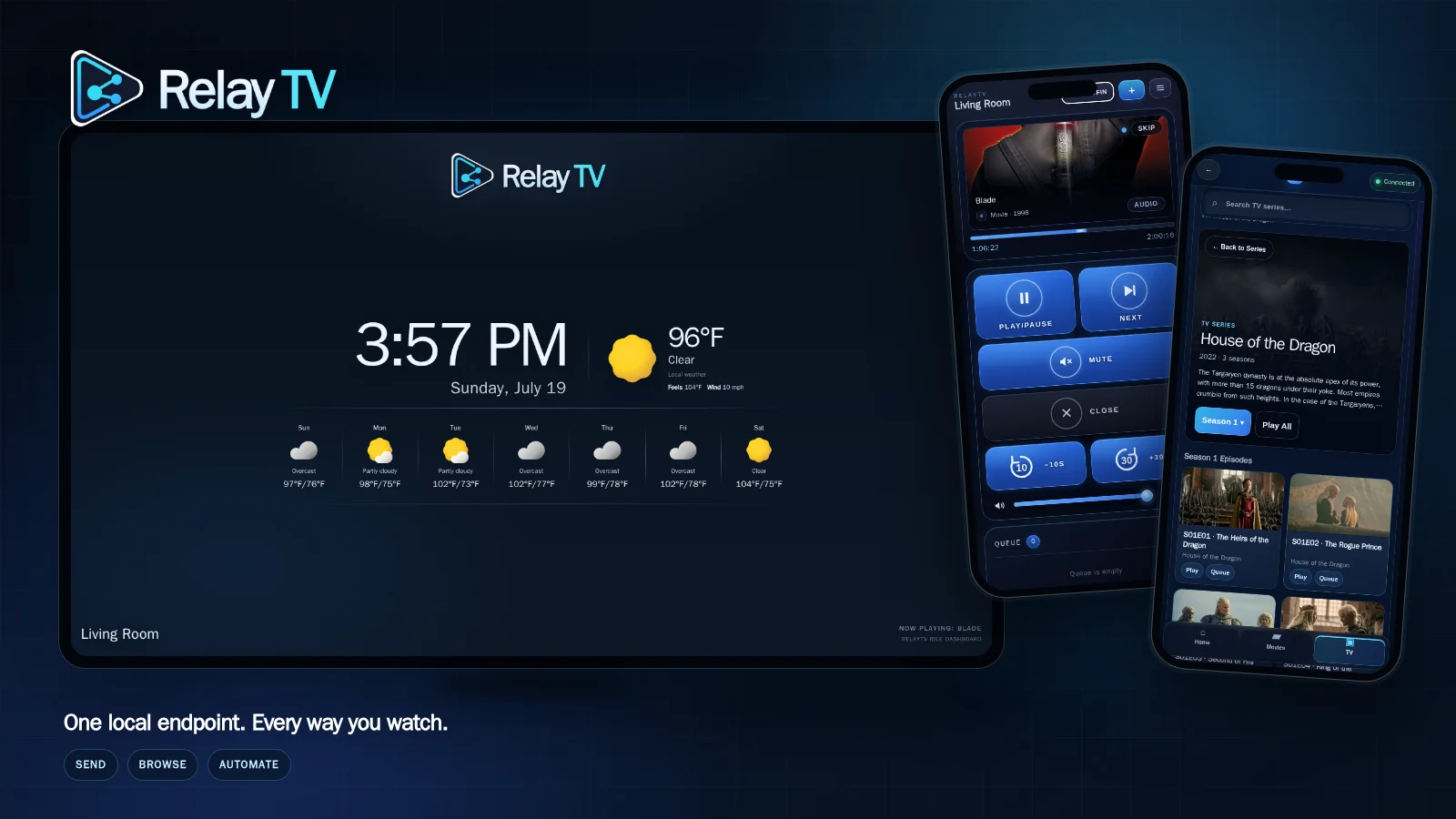
Media and control stay modular. RelayTV owns playback beside the screen while the services you already run remain in charge of their own jobs.
 RelayTVLinux playback endpoint
Browse from the couch, queue from a phone, automate an interruption, then let the box keep playing without a cloud coordinator.
Turn URLs and local audio or video into durable playback, with queue advancement and history owned by the endpoint.
Use a responsive library to explore what you host, resume playback, request what is missing, or curate live channels.
Keep the television free of menus while browsers and Android provide the remote, queue, discovery, and media controls.
Make the screen part of the house with media-player controls, temporary playback, overlays, snapshots, and synchronized starts.
Each connection has a defined purpose, setup path, trust boundary, and verification step.
These are captures from a running RelayTV—not conceptual mockups.
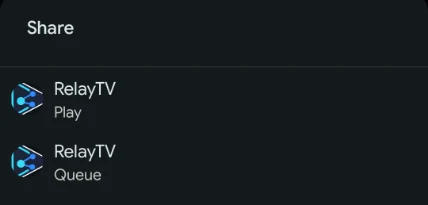
Choose Play or Queue in Android. RelayTV takes over from there and confirms the action on screen.
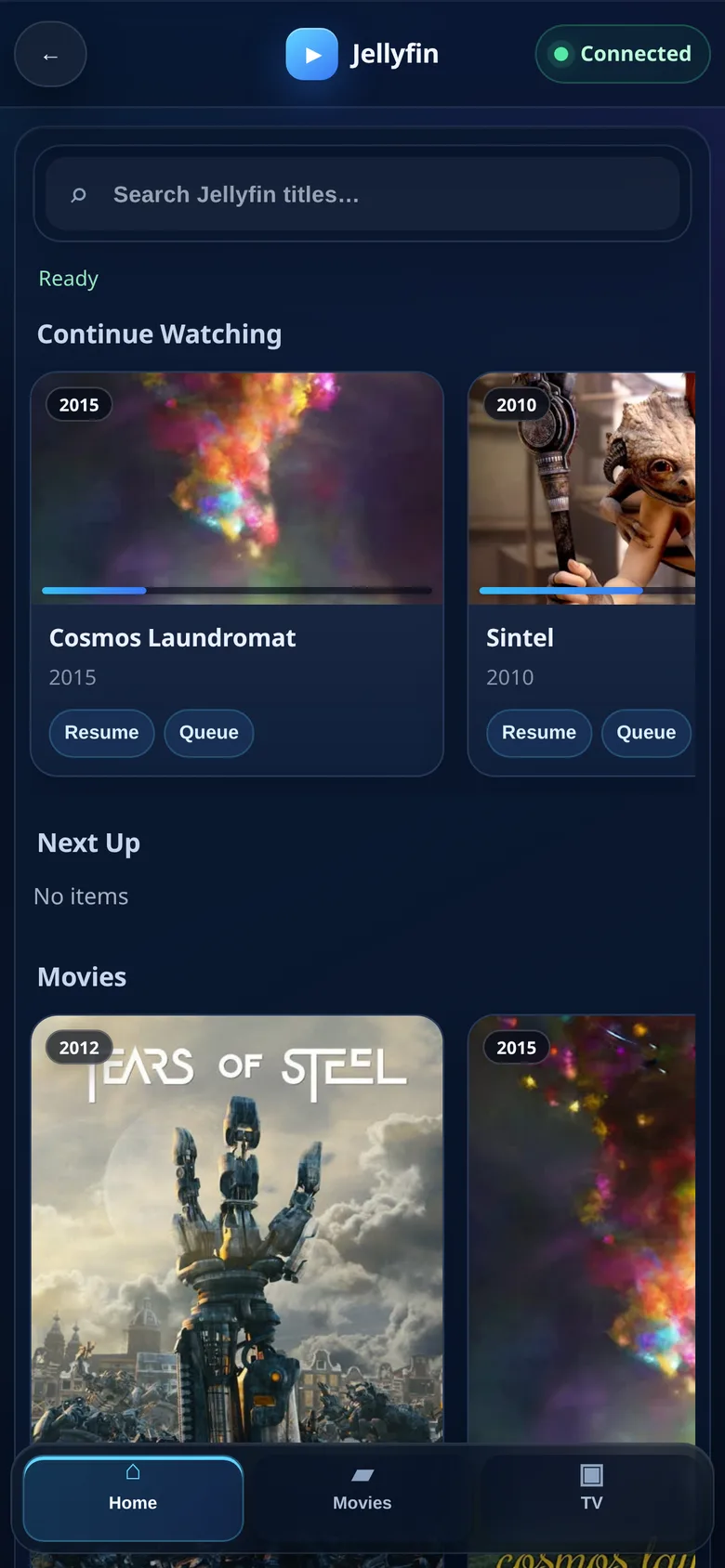
Browse Jellyfin or Emby from a phone, then resume or queue the title on the television.
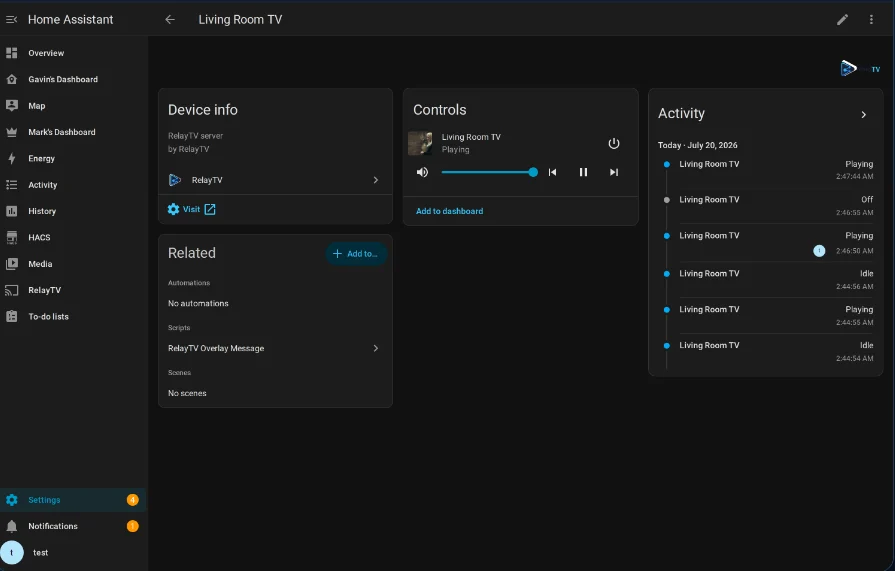
Automate an overlay or temporary clip, then continue what was already playing.
RelayTV is intentionally opinionated about where playback runs and equally clear about the network boundary around it.
A 64-bit Linux host connects directly to the display. Runtime behavior depends on the graphics session and devices the host exposes.
Core playback has no RelayTV account or cloud control plane. Treat the API like any other capable service on your network.
Run the installer on a supported 64-bit Linux device connected to your TV. It can install Docker with your approval, then deploys RelayTV's published image.
mkdir -p ~/relaytv
cd ~/relaytv
curl -fsSL https://relaytv.app/install.sh | bashThen open http://YOUR_RELAYTV_HOST:8787/ui.
No. RelayTV runs on the Linux host connected to the TV and renders playback there. If you need an app inside an existing smart TV or Chromecast-style receiver, RelayTV is not that.
A 64-bit amd64 or arm64 Linux host connected to the display. Mini PCs, NUCs, HTPCs, and capable Raspberry Pi-class devices can fit; display, codec, GPU, audio, and CEC results still depend on the hardware and runtime profile.
It is designed for a trusted LAN. For remote access, use a VPN or authenticated reverse proxy and enable the optional RelayTV API token. Do not expose an unauthenticated API directly.
Yes. RelayTV and its companion projects are GPL-3.0 licensed, have no paid tier, and require no RelayTV account for core playback.