Product

The TV endpoint you can actually operate.

RelayTV separates playback from control: the Linux box owns the screen, while every other part of your stack remains replaceable.

System model

The box does the playing.

Control surfaces send intent over the local network. RelayTV turns that intent into playback on the directly attached display.

Jellyfin / EmbySeerrIPTV / URLsHome AssistantAndroid / Web
RelayTVLinux playback endpoint
Now playing
Your TV
01 · Play

A queue that belongs to the screen.

RelayTV resolves media, starts mpv, advances the queue, persists history, and keeps the endpoint ready across restarts.

  • Play URLs immediately or apply smart queue behavior
  • Upload compatible local audio and video
  • Interrupt temporarily, then resume prior playback
  • Show on-TV confirmation and informational overlays

RelayTV rendering video with an Added to queue notification
02 · Browse

Your hosted library, made couch-ready.

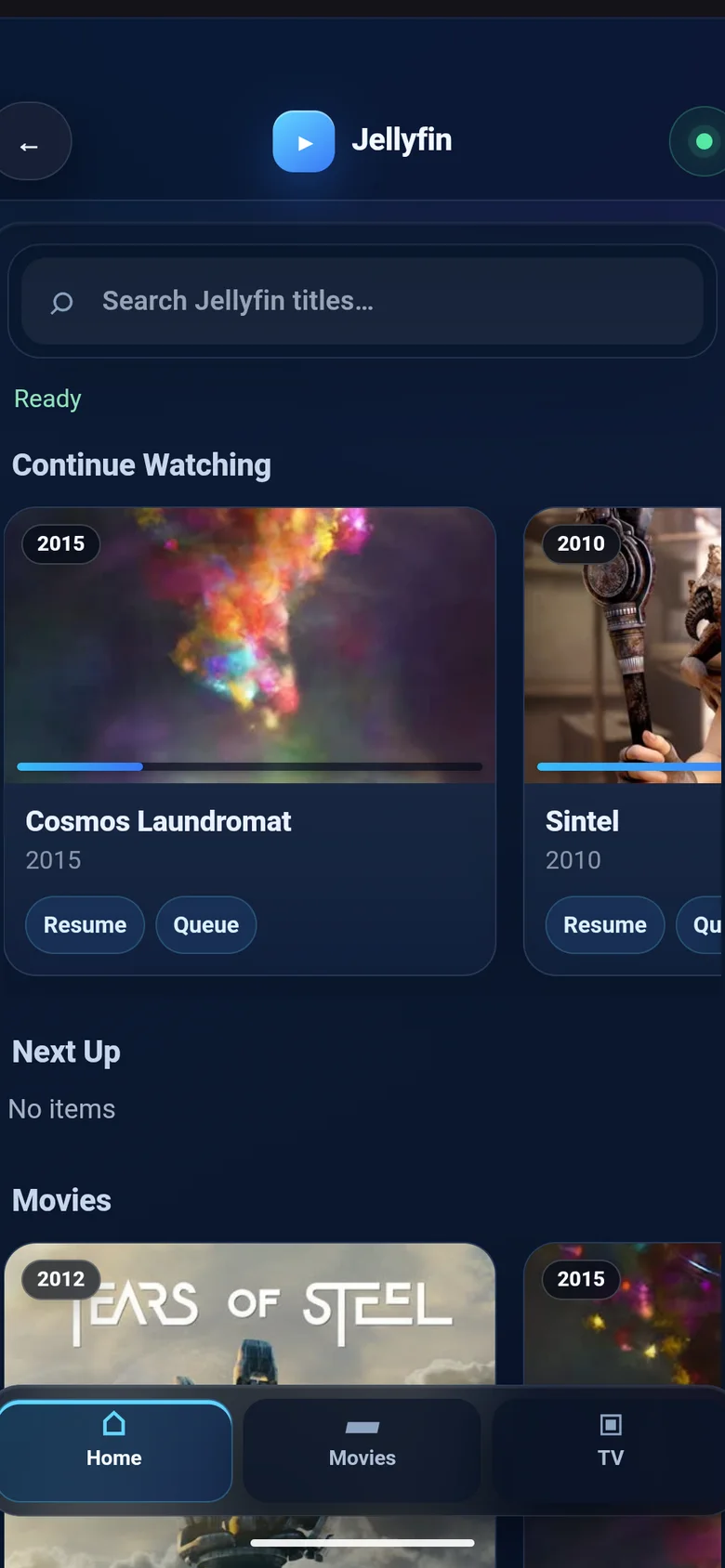
Search and browse Jellyfin or Emby without putting a full media-center UI on the television. Add Seerr for deliberate discovery and request workflows.

  • Continue Watching and Next Up
  • Movie, series, season, and episode views
  • Resume, play now, play next, or queue last
  • Optional IPTV playlists and curated My Channels
RelayTV browsing a Jellyfin series with playback actions
03 · Control

A remote on every useful surface.

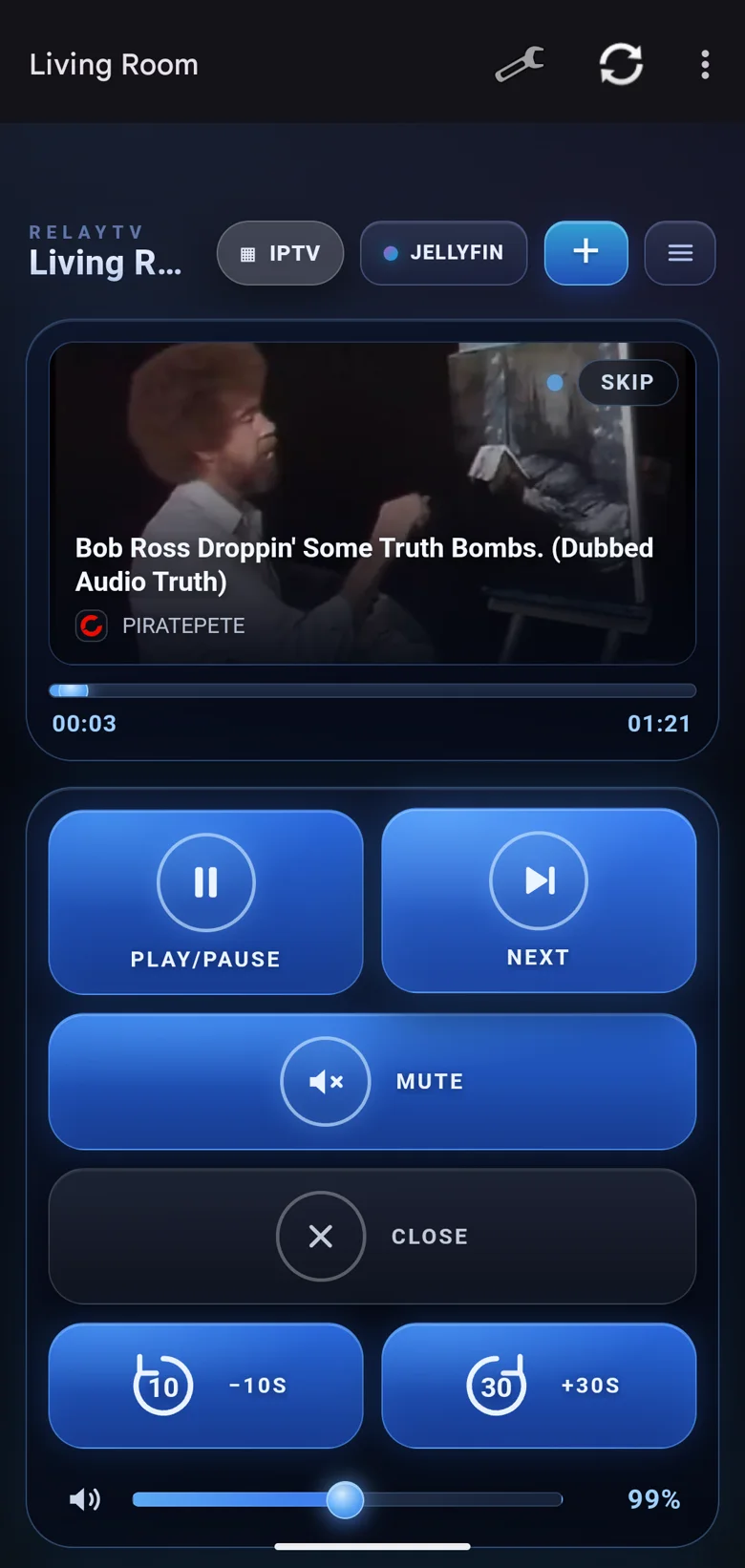
The responsive Web UI works anywhere on the LAN. Android adds native sharing, discovery, server profiles, and system media controls.

  • Phone and desktop Web UI
  • Android Play and Queue share targets
  • LAN discovery through mDNS
  • Multiple RelayTV screens from one companion app
RelayTV Android remote in dark mode
04 · Automate

A first-class screen in the automated home.

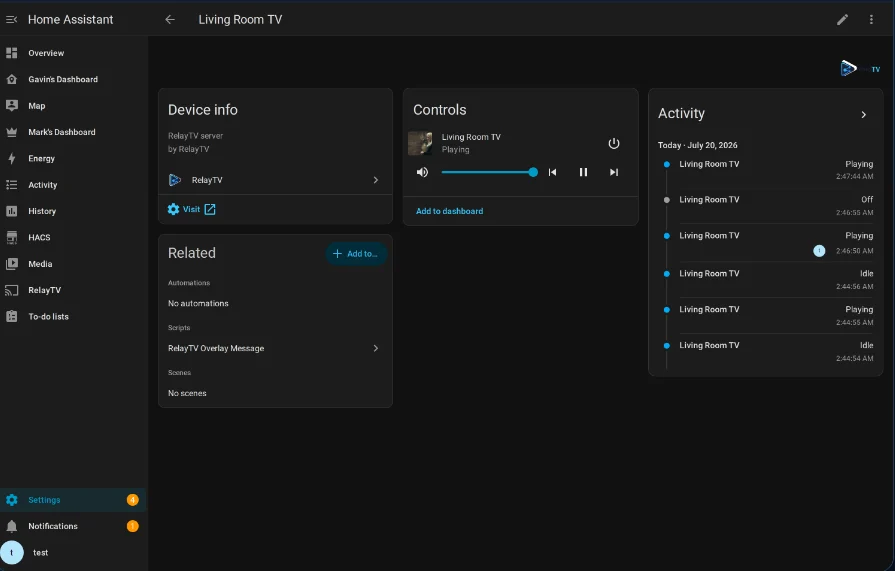
Home Assistant and the HTTP API expose the endpoint without moving playback into the automation system.

  • Native Home Assistant media_player state and controls
  • Overlays, snapshots, direct uploads, and temporary clips
  • Synchronized starts across multiple screens
  • Local HTTP endpoints for scripts and custom clients
RelayTV device page and controls in Home Assistant
Ready when your hardware is

Install in minutes. Understand every step.

Run the installer on a supported 64-bit Linux device connected to your TV. It can install Docker with your approval, then deploys RelayTV's published image.

relaytv · install
mkdir -p ~/relaytv
cd ~/relaytv
curl -fsSL https://relaytv.app/install.sh | bash

Then open http://YOUR_RELAYTV_HOST:8787/ui.